
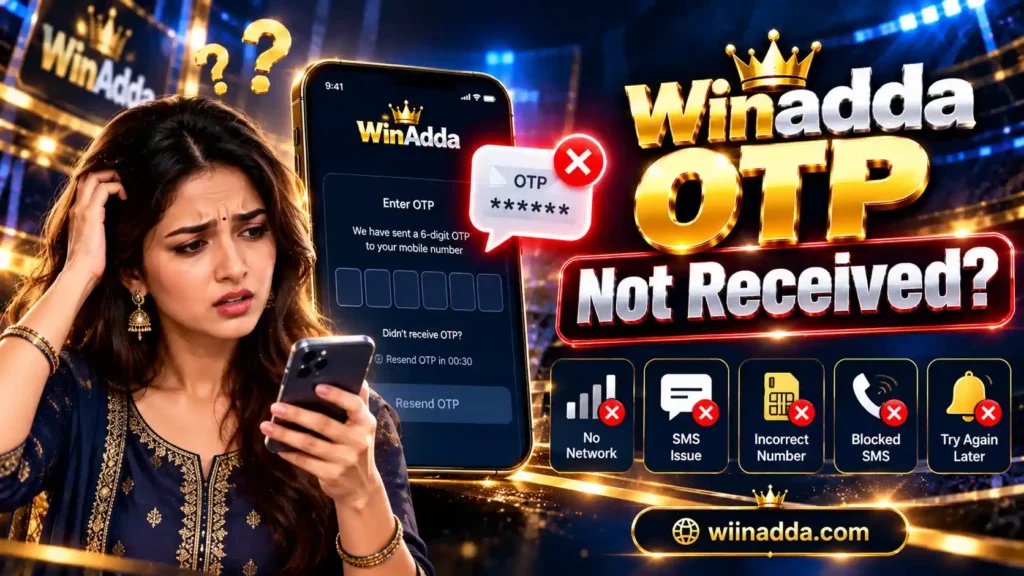
Winadda OTP Not Received?
Didn’t receive your winadda OTP during signup or login? An OTP may be delayed because of your mobile network, SMS settings, or a temporary platform issue. Try the following troubleshooting steps before requesting another code.
If your winadda OTP is not received, first check that your registered mobile number is correct and that your phone has a stable network connection. Wait a few minutes before requesting another OTP, and if you request a new code, always use the latest OTP.
If the OTP still does not arrive, check your blocked or filtered messages and contact winadda support through the verified website or app.
Table of Contents
Quick Fixes for winadda OTP Not Received
1. Check Your Mobile Number
Confirm that you entered the same mobile number linked to your winadda account.
For signup, make sure the number you entered is your own active mobile number and that every digit is correct.
2. Check Your Mobile Signal
Make sure your phone has a stable mobile network connection and can receive SMS messages.
If your signal is weak, move to an area with better network coverage and try again.
3. Wait Before Requesting Another OTP
OTP messages can sometimes be delayed.
Wait a few minutes before requesting another code. If the message still does not arrive, select Resend OTP once rather than repeatedly requesting new codes.
4. Always Use the Latest OTP
If you requested multiple OTPs, older codes may no longer work.
When a new OTP arrives, enter the most recent code you received.
5. Check Blocked or Filtered Messages
Review your phone’s SMS settings for:
- Blocked numbers
- Spam messages
- SMS filtering
- Unknown-sender filtering
- Other message-blocking settings
Make sure legitimate OTP messages are not being filtered.
6. Restart Your Phone
Restarting your device can refresh the mobile network connection.
After restarting, return to the verified winadda website or app and request a new OTP if necessary.
7. Try Again Later
Temporary mobile network or platform issues may delay OTP delivery.
If the above steps do not work, wait for a while and try again later instead of repeatedly requesting OTPs.
Winadda OTP Not Received During Signup
If you are creating a new winadda account and do not receive the OTP:
- Confirm that your mobile number is correct.
- Make sure you are using your own active mobile number.
- Check that your phone can receive SMS messages.
- Wait a few minutes for the OTP to arrive.
- Select Resend OTP once if required.
- Use the newest OTP if multiple messages arrive.
- If the OTP still does not arrive, return to the verified winadda registration page and request a new code.
Avoid creating multiple or duplicate accounts simply because an OTP is delayed.
Winadda OTP Not Received During Login
If you cannot receive your login OTP:
- Confirm that you are using the mobile number linked to your account.
- Check your mobile network and SMS settings.
- Wait before requesting another OTP.
- If you request multiple codes, use only the newest OTP.
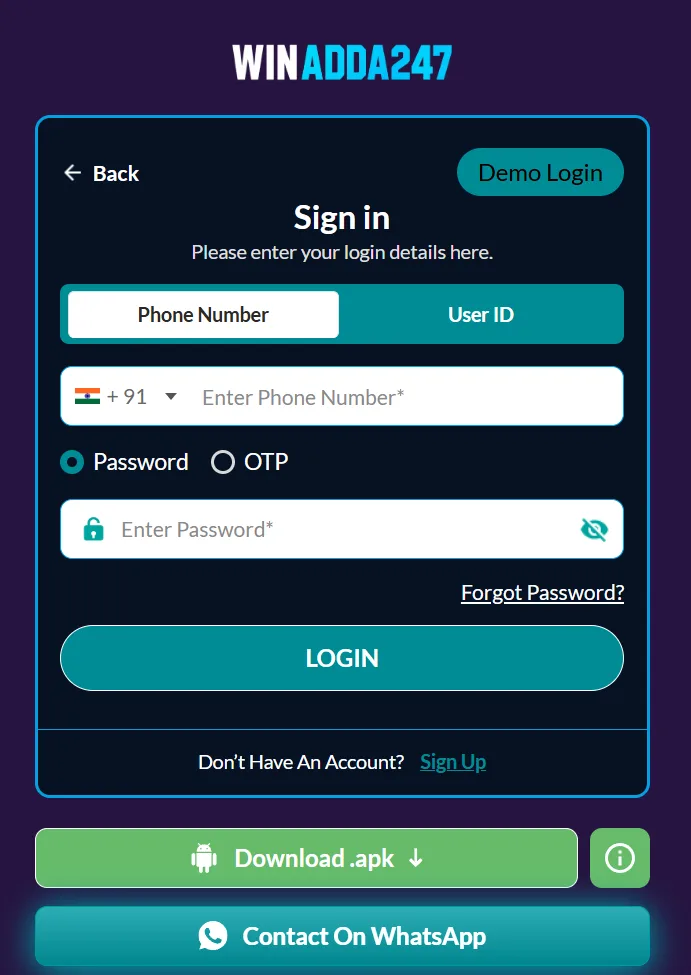
- Check whether your account provides another recovery option, such as email verification or password login.
- If you still cannot access your account, contact winadda support through the verified website or app.
Do not create a duplicate account to bypass a login or OTP problem.
Still Not Receiving the winadda OTP?
If the OTP does not arrive after trying the troubleshooting steps above, contact winadda support through the verified website or official app.
Keep your username or registered mobile number available so support can help identify your account.
However, never share sensitive security or payment information, including:
- Your password
- OTP or verification code
- UPI PIN
- CVV
- Card PIN
- Full payment details
Legitimate support should not require you to disclose these credentials.
Important Security Tips
Always use the verified winadda website or app when requesting an OTP or contacting support.
Avoid OTP links, login links, or support contacts received through unknown:
- WhatsApp accounts
- Telegram accounts
- SMS messages
- Social-media accounts
- Unverified websites
Do not give an OTP to another person. An OTP should only be entered on the appropriate verified login, signup, or account-recovery page.
FAQs About Winadda OTP Not Received?
Why am I not receiving my winadda OTP?
The OTP may be delayed because of mobile network problems, incorrect account details, SMS filtering, or temporary platform issues. Check your registered mobile number, network connection, SMS settings, and wait before requesting another OTP.
What should I do if my winadda OTP is delayed?
Wait a few minutes and avoid repeatedly requesting new codes. If necessary, select Resend OTP once and use the newest OTP that arrives.
Can I use an old winadda OTP?
If you requested multiple OTPs, older codes may no longer work. Always enter the latest OTP you received.
What if my winadda OTP works during signup but not login?
Confirm that you are using the mobile number associated with your account. Check your network and SMS settings, then try requesting a new OTP. If another verified login or recovery method is available, you can use that option.
Should I create another account if I cannot receive an OTP?
No. Do not create a duplicate account simply because an OTP is delayed or unavailable. Try the troubleshooting steps first and contact winadda support through the verified website or app if necessary.
Is it safe to share my OTP with winadda support?
No. Never share your OTP, password, UPI PIN, CVV, or other sensitive security credentials with another person. Enter OTPs only on the appropriate verified winadda login, signup, or recovery page.

Pulkit Singh is a content writer at Winadda with over 5 years of experience creating clear, user-focused content for online gaming and sports entertainment platforms. He has researched and reviewed features across different platforms, including account access, sports categories, mobile experiences, payments, bonuses, and support processes.
At Winadda, Pulkit focuses on writing simple, accurate guides that help users understand registration, Win Adda login, dashboard navigation, and responsible-play information. His content is regularly reviewed and updated to keep platform details clear, practical, and easy to understand.